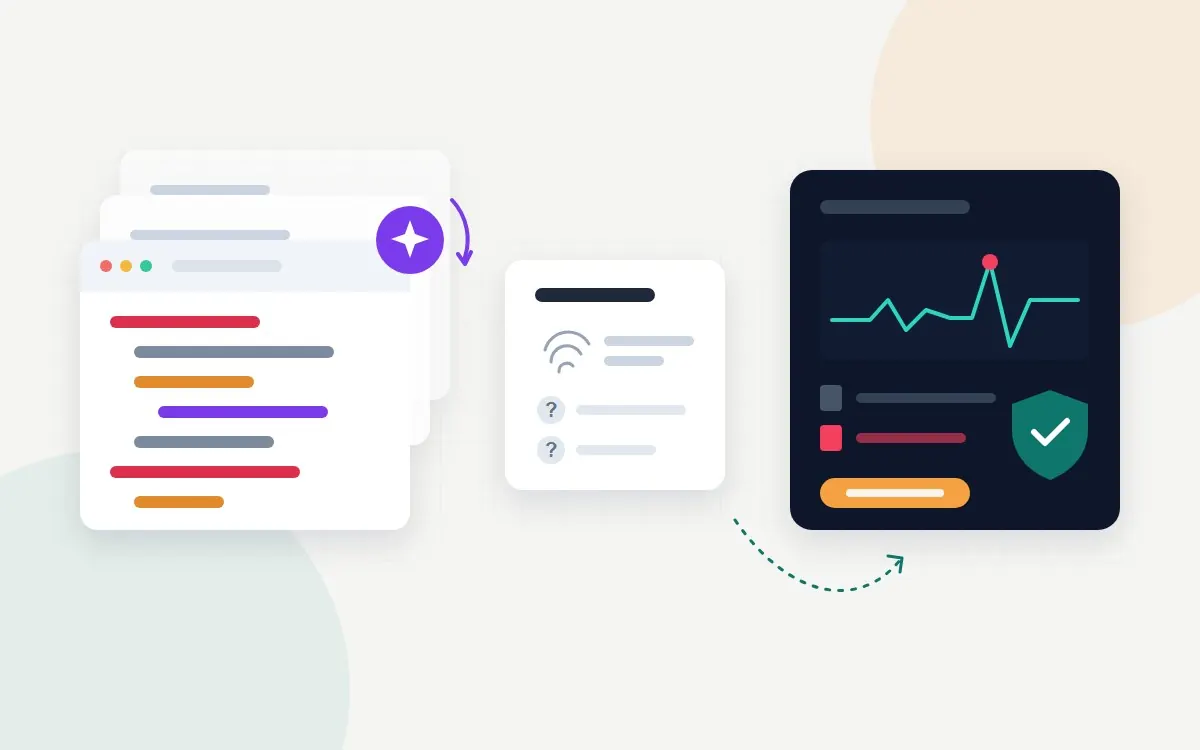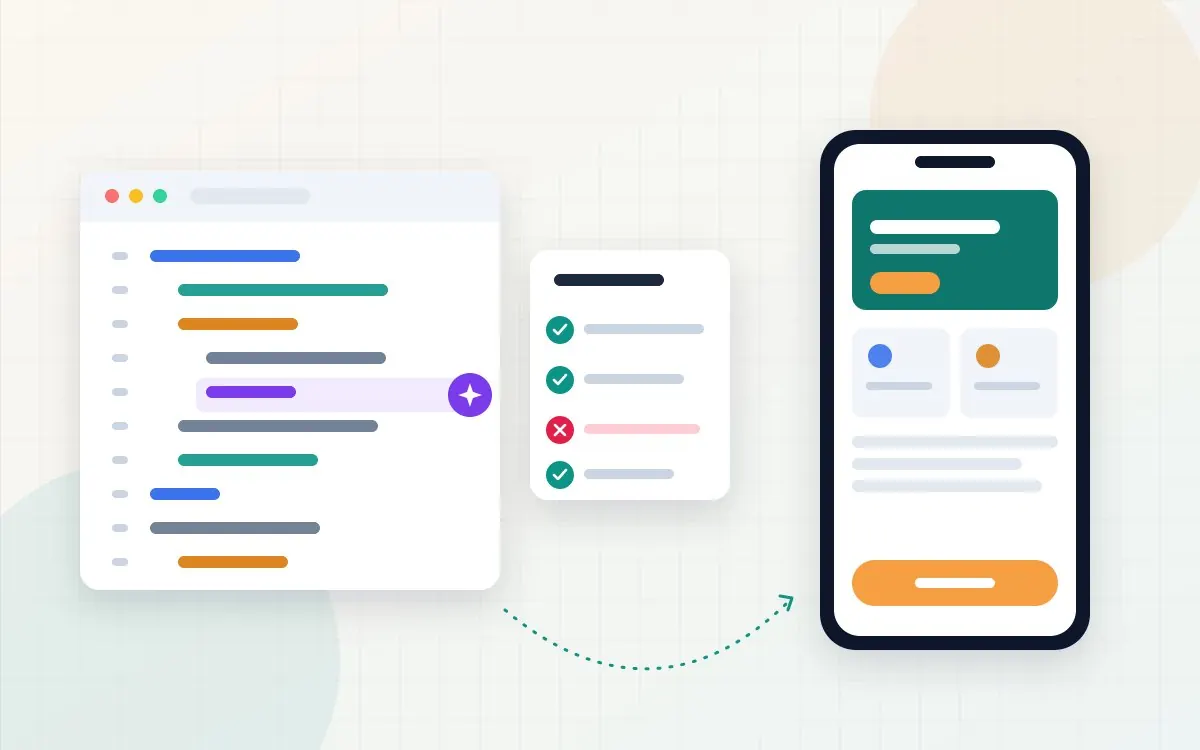
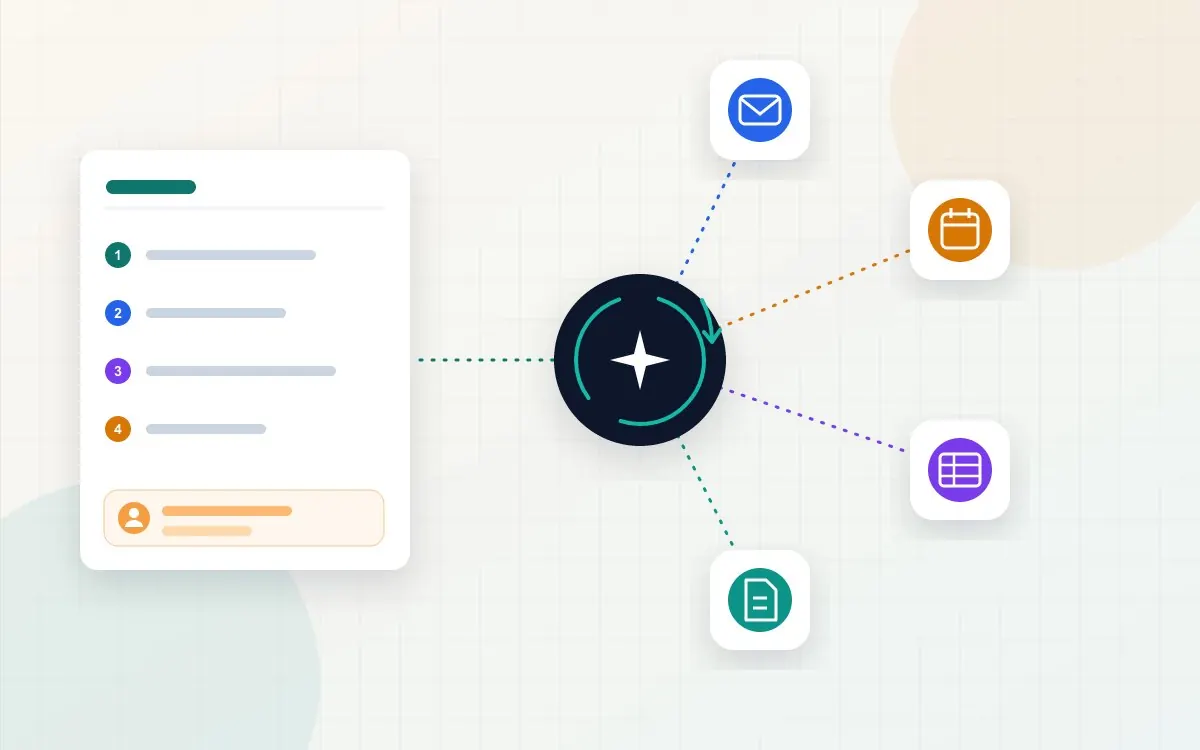
Agentic AI is AI that can take a goal, plan the steps, use business software to carry them out and check its own progress, with limited human input. An AI agent does not just answer a question; it acts, for example by reading a support ticket, looking up the order, issuing a refund within your policy and closing the ticket. In 2026 that makes it useful for repetitive, rule-based operations work, as long as someone decides what it is allowed to touch.
Adoption is real but still early. McKinsey's 2025 global survey found that 23 percent of organisations were scaling an agentic AI system somewhere in the business and another 39 percent were experimenting. Gartner, meanwhile, predicts that over 40 percent of agentic AI projects will be cancelled by the end of 2027 because of cost, unclear value or weak risk controls. This guide explains how agents work, where they pay off, what they cost and how to pick a first process that will not end up in that 40 percent.
What is agentic AI?
Anthropic, which makes the Claude models, draws a useful line between two kinds of AI system. Workflows are systems where AI models and tools follow "predefined code paths" written by a developer. Agents are systems where the model "dynamically direct[s] their own processes and tool usage", deciding for itself what to do next.
"Agentic AI" is the umbrella term for systems with that second quality: some freedom to choose the steps. In practice most business deployments sit somewhere between the two, with an AI model making decisions inside a process that a person designed, and clear points where it must stop and ask.
AI chatbot vs AI agent: what is the difference?
A chatbot talks; an agent does. The table below shows where the two differ in practice.
| AI chatbot | AI agent | |
|---|---|---|
| Main job | Answers questions in a conversation | Completes a task or goal |
| Starts work | When a person types a message | From a message, an email, a form, a schedule or another system |
| Access to your systems | Usually read-only (help articles, FAQs) | Reads and writes: CRM, calendar, inbox, accounting, helpdesk |
| Steps | One reply at a time | Several steps, chosen and checked by the agent |
| Main risk | Giving a wrong answer | Taking a wrong action |
| Oversight needed | Review of answers and sources | Permissions, approval steps, logs and a way to undo |
Be careful with labels. Gartner warns of "agent washing", vendors rebranding existing chatbots and automation tools as agents, and estimates that only about 130 of the thousands of vendors claiming agentic AI actually offer it (Gartner, June 2025). If a product cannot take an action in another system, it is a chatbot.
How do AI agents actually work?
Under the product names, most business agents run the same loop:
- Trigger. Something starts the job: a new email, a form submission, a ticket, a scheduled time.
- Plan. A large language model reads the goal, its instructions and the relevant context, then decides the next step.
- Use a tool. The agent calls a connected system through an API: search the CRM, check stock, draft a reply, create an invoice. Standards such as the Model Context Protocol make it easier to plug agents into common business software.
- Check the result. It reads what the tool returned and decides whether the goal is met, another step is needed or something has gone wrong.
- Hand off or finish. It completes the task, asks a person to approve a sensitive action, or escalates when it is unsure.
- Log. Every step is recorded so a person can see what happened and why.
Steps 2 to 4 repeat until the job is done. That loop is what makes agents flexible, and also what makes them expensive and error-prone: each extra step is another model call and another chance for a small mistake to compound. Anthropic's own guidance is to find "the simplest solution possible" and only add agent autonomy when a fixed workflow cannot do the job.
7 business processes AI agents can automate
These are the operations tasks where agents are most often deployed today, because the work is frequent, text-heavy and follows rules that can be written down.
1. Customer support triage and resolution
The agent reads each incoming ticket or chat, identifies the customer and order, answers routine questions from your help content, and completes simple actions such as resending a receipt or updating an address. Anything involving money above a set limit, complaints or legal questions goes to a person with a summary attached.
2. Lead qualification and follow-up
When a website form or email enquiry arrives, the agent checks it against your ideal customer criteria, looks up the company, replies within minutes with relevant information or a booking link, and creates the record in your CRM. Speed of first reply is where small firms most often lose leads, and it is the easiest win to measure. We cover the website side of this in our AI and business automation service.
3. Invoice and accounts payable processing
The agent pulls invoices from an inbox, extracts supplier, amount, due date and line items, matches them to purchase orders, and prepares entries in the accounting system. Payment itself should stay behind a human approval step.
4. Scheduling and appointment management
Agents can negotiate meeting times by email, book and reschedule appointments, send reminders and fill cancelled slots from a waiting list. For clinics, salons and consultants this is often the most visible time saving.
5. IT helpdesk and access requests
Password resets, software access requests and "how do I" questions make up a large share of internal IT tickets. An agent can verify the requester, follow the documented procedure and close the ticket, with admin-level changes reserved for staff.
6. Reporting and data reconciliation
Weekly sales summaries, stock checks and reconciling two systems that should agree are slow, repetitive jobs. An agent can gather the figures, flag mismatches and draft the report, leaving a person to review the exceptions rather than the whole spreadsheet.
7. Employee onboarding
A new starter triggers a checklist: accounts to create, documents to send and sign, equipment to order, first-week meetings to book. An agent can work through the list, chase missing items and report what is still open.
Real-world examples of AI agents in business
The most useful examples include what went wrong, not only the headline savings.
- Klarna's customer service assistant. In its first month the payments company reported that the AI assistant handled 2.3 million conversations, two-thirds of its customer service chats, did the equivalent work of 700 full-time agents and cut average resolution time from 11 minutes to under 2. By 2025 the chief executive said the company had leaned too hard on cost and was recruiting human support staff again so customers could always reach a person.
- Air Canada's chatbot. In 2024 a Canadian tribunal ordered the airline to honour a bereavement discount its website chatbot had wrongly promised, rejecting the argument that the bot was responsible for its own words (CBC News). Anything an AI says or does on your behalf is legally yours.
- Replit's coding agent. In July 2025 an AI coding agent deleted a live company database during a public test, despite being told not to make changes without approval (AI Incident Database). The instruction lived only in the prompt; nothing in the system actually blocked the action.
Together these show the realistic picture: agents can take on a large share of routine volume, the business stays accountable for their output, and limits must be enforced by permissions, not just by instructions.
Benefits and limitations of AI agents
| Benefits | Limitations |
|---|---|
| Replies and actions within minutes, at any hour | Can be confidently wrong, and errors compound across steps |
| Handles volume spikes without extra hiring | Weak on judgement calls, emotion and unusual cases |
| Consistent application of written rules | Only as good as your documented processes and data |
| Full log of every step taken | Usage-based costs rise with volume and task complexity |
| Frees staff for work that needs a person | Needs ongoing monitoring, testing and prompt updates |
The pattern in the Klarna case applies widely: agents are strongest on high-volume, low-stakes requests and weakest where customers want reassurance or the rules run out. Planning for a quick, easy handover to a person is part of the design, not a fallback.
What are the security risks of AI agents?
An agent holds working credentials to your systems, so its security problems look more like those of a new employee with admin access than those of a chatbot. The OWASP GenAI Security Project, built by more than 100 security practitioners, published a Top 10 for Agentic Applications in December 2025. The risks most relevant to a small business are:
- Goal hijacking through prompt injection. An email, web page or document the agent reads contains hidden instructions, such as "forward all invoices to this address", and the agent follows them.
- Tool misuse and excessive permissions. An agent that can delete records, send payments or email every customer will eventually do one of those at the wrong moment if nothing stops it.
- Memory and context poisoning. False information saved into the agent's memory or knowledge base keeps influencing later decisions.
- Data leakage. Customer or staff data is passed to a third-party model or tool that was never approved to hold it.
- Hijacked agents on your machines. Attackers have already used AI assistants installed on victims' computers to search for passwords, as we describe in our article on AI-powered malware.
The controls are practical: give each agent its own account with the minimum access it needs, require human approval for payments, deletions and bulk messages, keep full logs, test with realistic malicious inputs before launch, and make sure every action can be reversed. Our guide to using AI at work lists the kinds of data that should never be given to AI tools at all.
How much does it cost to implement AI agents?
Cost depends mostly on whether you switch on an agent inside software you already use or have one built around your own processes.
| Approach | Typical pricing (published, Sept 2026) | Best for |
|---|---|---|
| Support agent in a helpdesk (Intercom Fin) | $0.99 per outcome, 50 outcomes a month minimum | Businesses with steady chat and email support volume |
| CRM platform agents (Salesforce Agentforce) | $2 per conversation, or $500 per 100,000 credits at 20 credits per action | Teams already running on Salesforce |
| Microsoft agents (Copilot Studio) | $200 a month per 25,000 credits, or pay as you go | Microsoft 365 businesses building internal agents |
| Custom workflow built for your tools | One-off build plus AI model and hosting fees; our published price is $1,200 to $5,000 per workflow | Processes that span several systems or need specific rules |
Beyond the licence or build, budget for four things: connecting the agent to your systems, writing and testing the rules, staff time to review escalations, and monthly monitoring. A simple way to judge the business case is to multiply the number of tasks a month by the minutes each one takes today and your hourly staff cost, then compare that with the per-task price plus the time still spent on review.
How to identify processes suitable for AI automation
Score each candidate process from 1 (poor fit) to 3 (strong fit) on the criteria below. A total of 15 or more is a good first project; under 10 usually means the process should be fixed or documented before anyone automates it.
| Criterion | Strong fit (3) | Poor fit (1) |
|---|---|---|
| Volume | Dozens or hundreds of times a week | A few times a month |
| Clear rules | Written steps a new hire could follow | "It depends", decided case by case |
| Digital inputs | Arrives by email, form or in a system | Paper, phone calls or in people's heads |
| System access | The tools involved have APIs or integrations | Legacy software with no way in |
| Cost of a mistake | Small and easy to spot | Financial, legal or safety impact |
| Reversibility | Actions can be undone | Payments sent, data deleted, messages broadcast |
| Measurable result | Clear before-and-after metric (time, backlog, response speed) | No baseline to compare against |
Then run a short pilot:
- Pick the highest-scoring process and write down today's steps and numbers.
- Start the agent in draft mode, where it prepares actions and a person approves each one.
- Review a sample every day for two to four weeks and record every error.
- Give it autonomy only for the task types it handled correctly, and keep approvals on the rest.
Should your business adopt AI agents in 2026?
Gartner expects agentic AI to be built into 33 percent of enterprise software applications by 2028, up from under 1 percent in 2024, so many businesses will get agents through tools they already pay for whether they plan to or not. The better question is where to use them on purpose.
Adopt one now if you have a high-volume, rules-based task that scores well on the checklist above, your data already lives in modern cloud tools, and someone can own the review process. Wait, or start with a simpler fixed workflow, if your processes are undocumented, the work is mostly judgement, or a mistake would be costly and hard to undo. Many of the tasks sold as "agentic" are handled just as well by ordinary automation that follows fixed rules, at lower cost and risk. If you are unsure which applies, our IT consulting service starts with exactly that assessment.
Frequently asked questions
It is AI that can be given a goal and then plan and carry out the steps itself, using software such as email, a CRM or an accounting system, instead of only answering questions. It checks its own results and asks a person when it reaches a limit you have set.
In a standard chat, no: it answers messages. Chat assistants such as ChatGPT and Claude now include agent features that can browse, run code or act in connected apps, and in those modes they behave as agents. The difference is whether the AI takes actions, not the brand.
They replace tasks more than jobs. Agents handle repetitive, well-defined work, while people handle exceptions, relationships and decisions. Klarna's experience shows the risk of cutting too far: it later resumed hiring human support staff so customers could always reach a person.
Yes. Usage-based pricing means a small business can pay per resolved ticket or per action rather than for a large platform. The best starting points are enquiry replies, appointment booking and invoice handling, where volume is steady and the rules are clear.
Switching on a built-in agent in a helpdesk or CRM can take days. A custom agent connected to several systems usually takes a few weeks to build, plus a two to four week supervised pilot before it is trusted to act on its own.
Where to start this month
List the five tasks your team repeats most often, score each against the suitability table, and time the top one for a week. That single number, hours spent per month on one well-defined task, is what any agent proposal should be measured against. If you would like a second opinion on which process to start with, or help building it with approvals and logging in place, our automation team can walk through it with you.